Medication Scanner
Free + PremiumTake a photo of a medication box or label to help extract and organize details before saving.
KronoPill helps you keep medicines and vitamins on schedule, organize medical appointments, anticipate refills, and bring clearer medication reports to your next visit — all from one simple Android app.
Free to download · No account required · Core data stored on your device.
Built for everyday organization — not diagnosis or treatment.
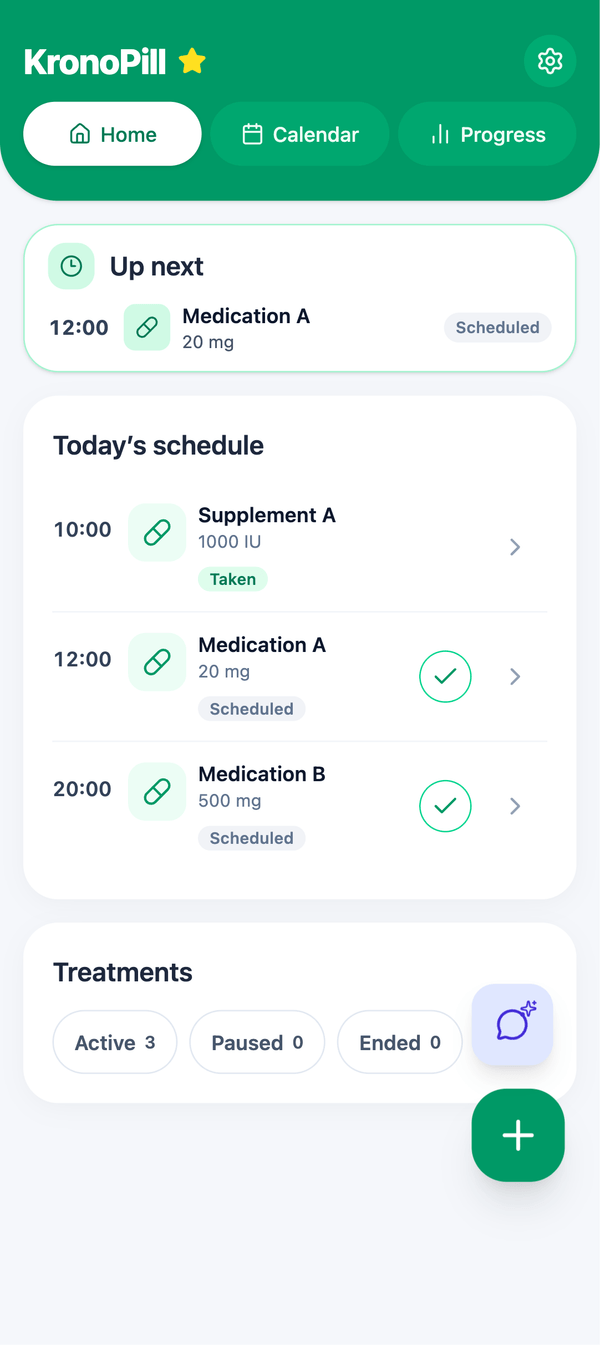
Build schedules for medicines, vitamins and supplements, see what is due today, and keep a simple record of every dose — so your routine stays organized instead of scattered across notes and memory.
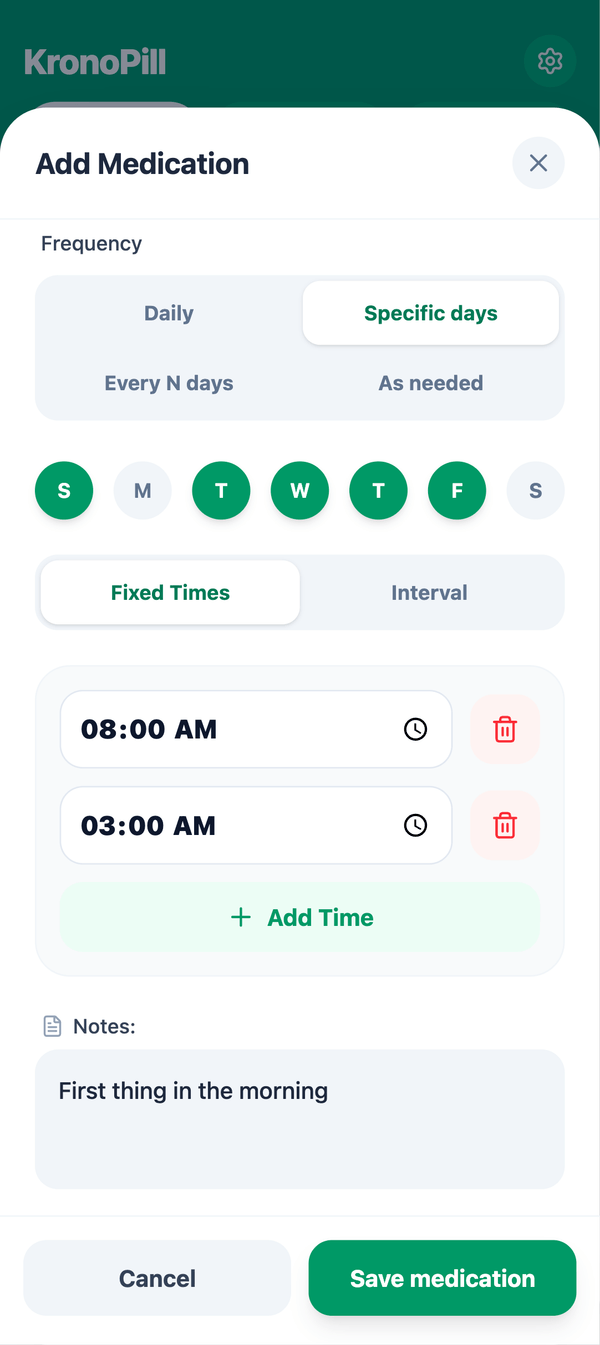
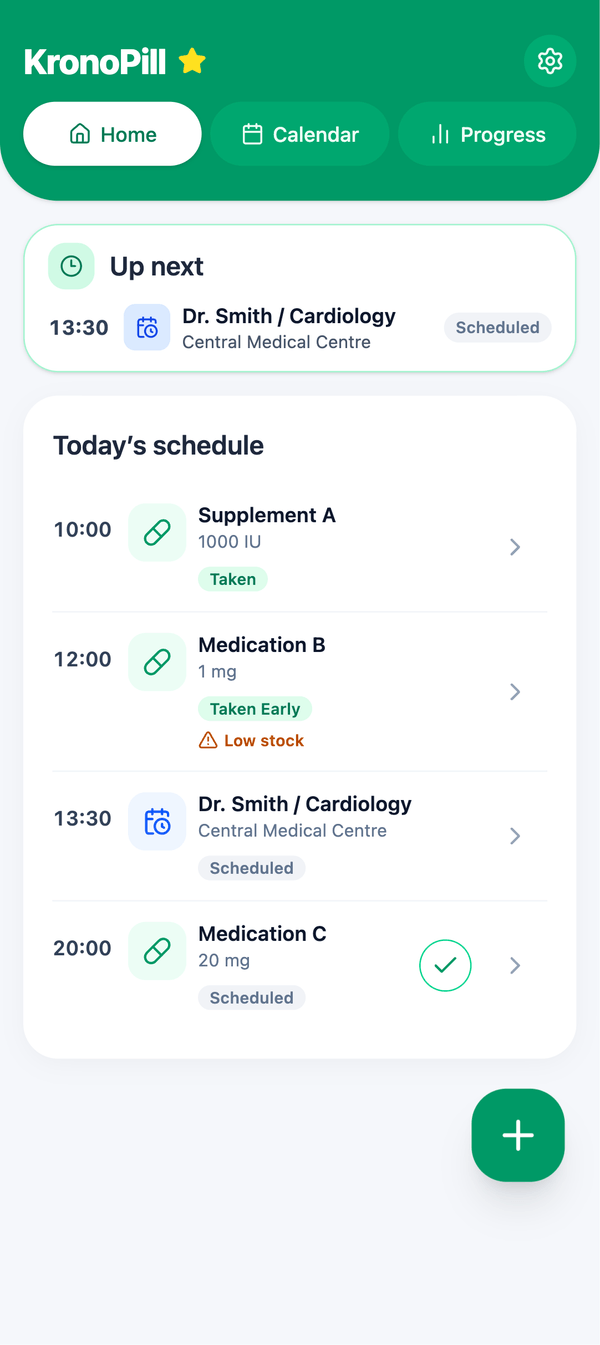
Add doctor visits with date, time, doctor, address and notes, set a reminder before the appointment, and follow each one as scheduled, completed or cancelled — right next to your medication routine.
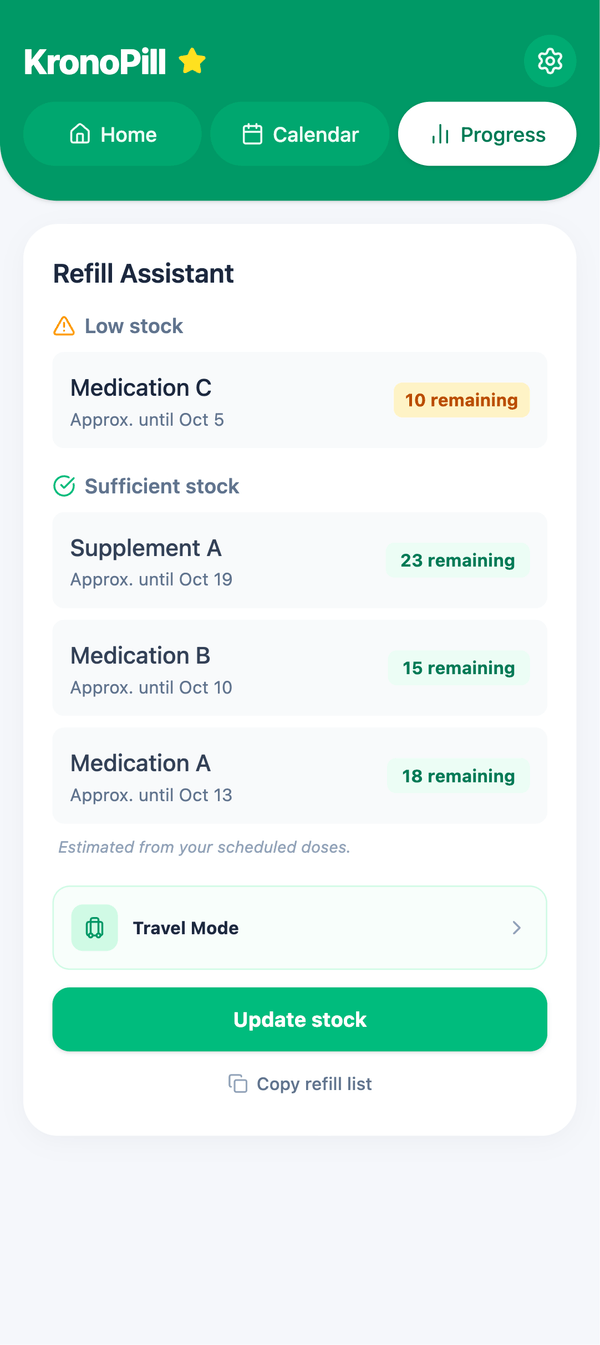
Track how much medication you have left, update stock when you refill, and see an estimated date for how long your supply may last based on your scheduled doses — all from the Refill Assistant.
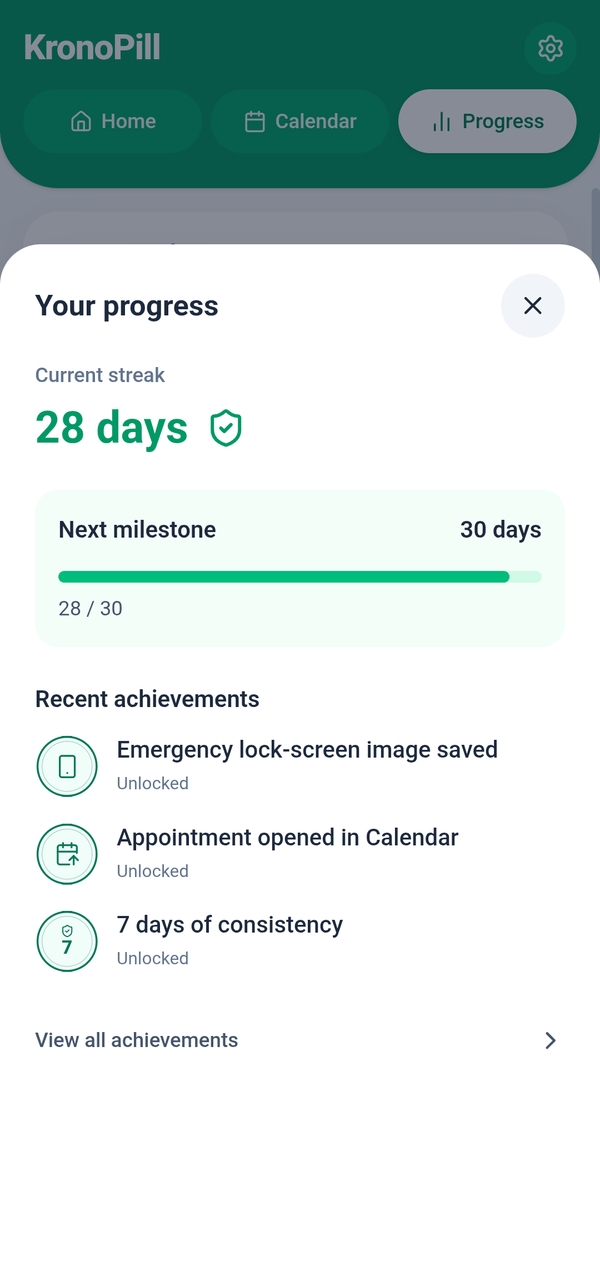
Review your current streak and recent routine, check today's dose summary, and export clear PDF reports when you need a record for yourself or your next appointment.
Use extra tools to speed up setup, get help inside KronoPill, or plan medication needs for a trip.
Take a photo of a medication box or label to help extract and organize details before saving.
Ask app-related questions and get guidance on using KronoPill and organizing your routine.
Estimate how much medication you may need to pack based on your travel dates and routine.
AI features are optional and process your input remotely to return a response.
KronoPill keeps your core medication routine data on your device and does not require an account to organize your day. Optional online features only use external services when their functionality needs them.
Your core medication and routine information is stored locally on your device.
Set up and use your medication routine without creating a KronoPill account.
AI features are optional and use online processing only when you choose to use them.
Start with your medication schedule, then keep the rest of your routine together as you go.
Add medicines, vitamins or supplements and choose the schedule that fits each one.
See what is due, record doses and keep your daily routine clear.
Keep medical appointments, medication stock and refill estimates in view.
Check your progress and export reports when you want a clearer record.
Use the core medication routine for free, then unlock higher limits and advanced tools with Premium.
Everything you need to organize your routine
More flexibility, higher limits and advanced tools
Premium is purchased in the app through Google Play. Local pricing may vary.
Quick answers about how KronoPill works, your data, and the Free and Premium plans.
KronoPill is an Android app for organizing medication schedules, daily doses, medical appointments, medication stock, refill estimates, progress and reports.
No. KronoPill helps you organize your routine and records, but it does not diagnose conditions, prescribe treatment or replace advice from a doctor or pharmacist.
No mandatory KronoPill account is required to set up and use your core medication routine.
Core medication and routine data is stored locally on your device. Optional features such as AI use remote services when needed to provide their functionality.
Yes. KronoPill can keep medical appointments, reminders, medication stock and estimated refill timing alongside your medication routine.
Yes. KronoPill is free to use and includes medication reminders, appointments, refill tracking, progress, PDF reports and medication scanning. Premium is optional and adds higher limits, an ad-free experience and advanced tools.
Premium expands usage limits, removes ads and unlocks advanced tools such as AI Companion, Travel Mode and additional customization.
Yes. KronoPill can export medication-history and appointment PDF reports for your own records or to share when useful.
Download KronoPill free on Android and keep medications, appointments, refills and records together.
Get KronoPill on Google PlayFree to download · No mandatory account